CatosTV Download

A no-nonsense Linux distro built for TV screens.

CatosTV turns a mini PC or an old desktop into a TV box you run with a remote. Android TV apps, your Jellyfin library and Linux apps sit together on one home screen.

Latest version 1.0.2

  • No account Turn it on, you’re home
  • No ads On Home or anywhere else
  • No tracking Nothing reports back to us
  • No mouse Arrows, OK and Back
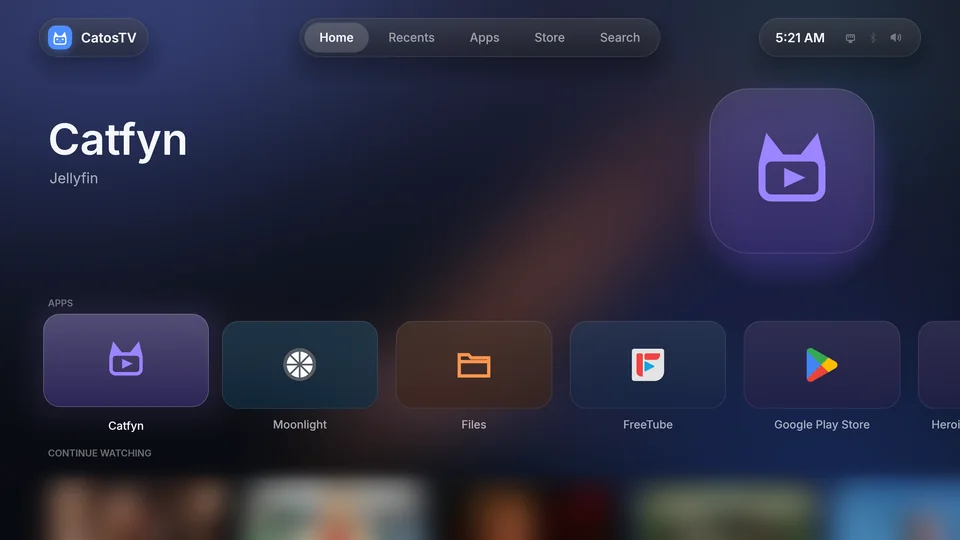
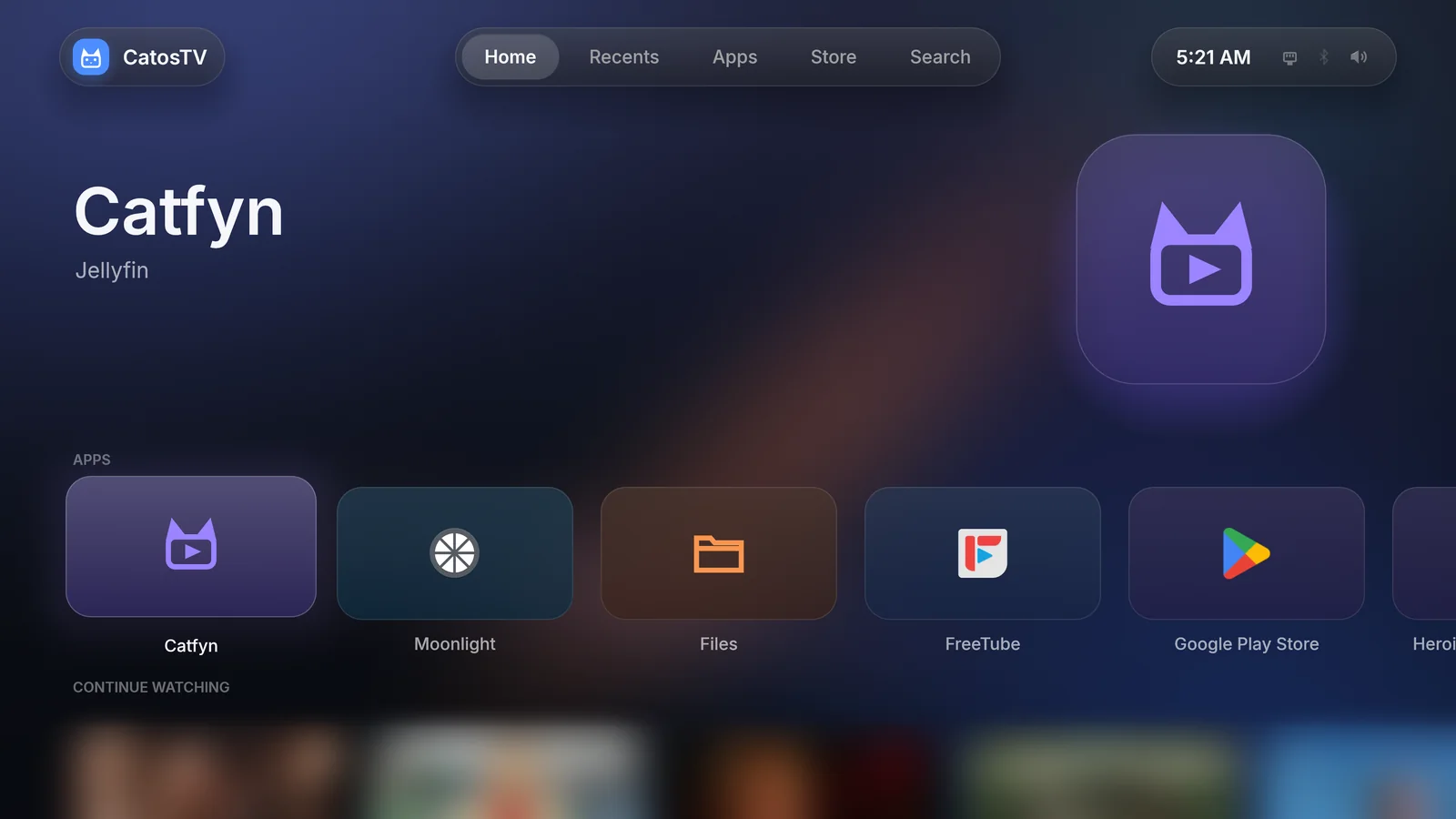
CatosTV home screen with app tiles for Catfyn, Moonlight, Files, FreeTube and Google Play Store

HomeYour apps in one row, and what you were watching right under it.

01 / 11

Real screenshots from a 4K TV. Use ← → to flip through. Thumbnails of other people’s shows are blurred.

Remote first

Made for the sofa, not the desk.

Everything works with arrows, OK and Back. Home always gets you home, and holding OK opens options. Add a USB‑CEC adapter and the remote that came with your TV runs the whole thing over HDMI‑CEC.

A B
OK and Back on Xbox, PlayStation and Switch pads
Guide
Home, even inside a game
F10
Quick settings on a keyboard
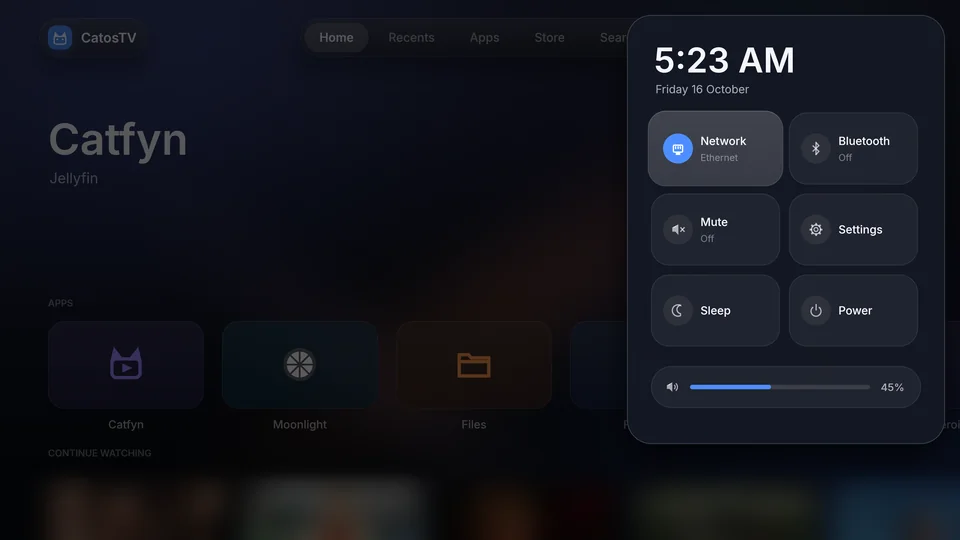
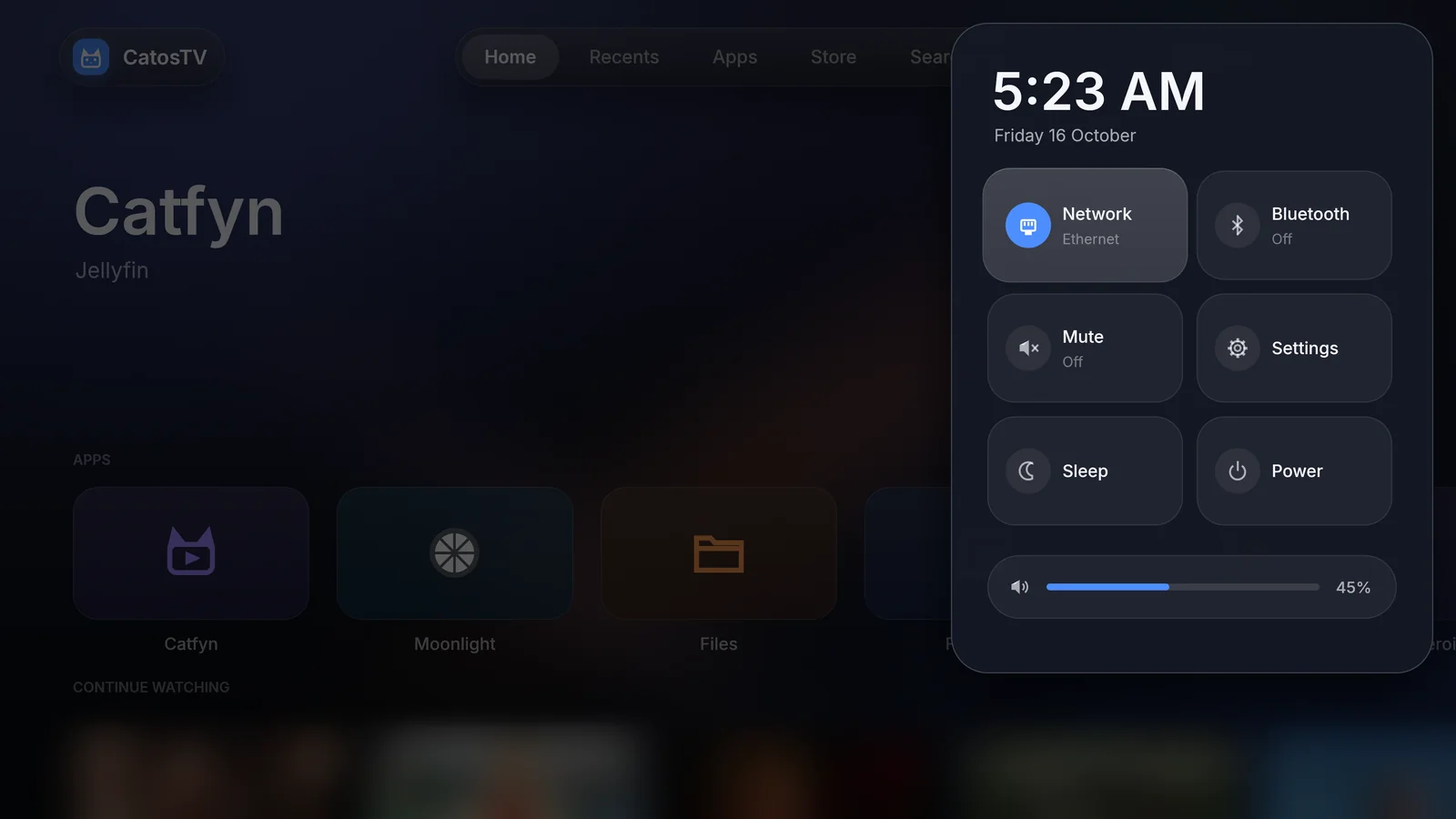
Quick settings panel with network, Bluetooth, mute, sleep, power and a volume slider

Android TV apps

Android apps run right next to everything else.

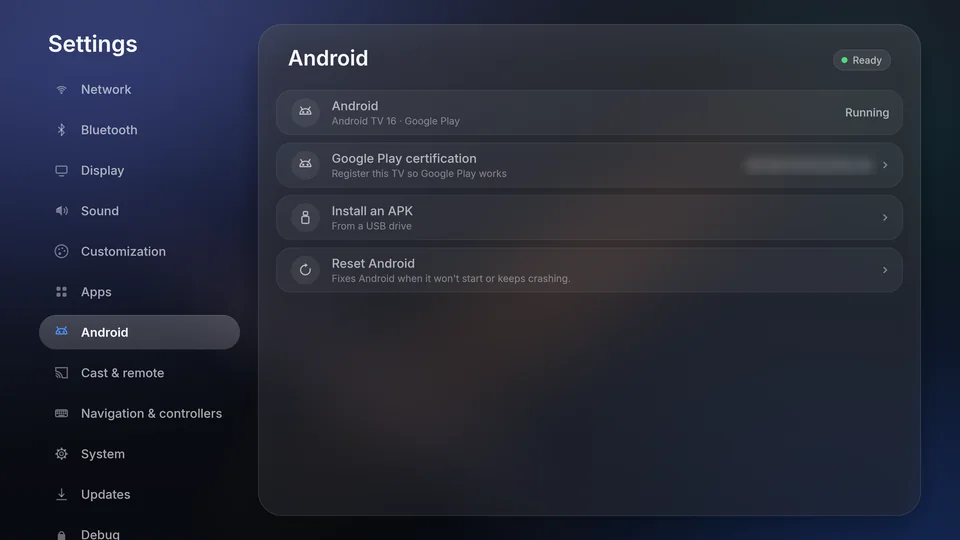
Set up Android TV 16 once from Settings, with Google Play or Aurora Store. It runs in a container on the same Linux kernel, so there’s no emulator window and no second launcher. Apps get a tile on Home, open full screen, and Back on an app’s first screen brings you home.

Game controllers go straight through to Android games. APKs install from a USB stick. Read the Android guide.

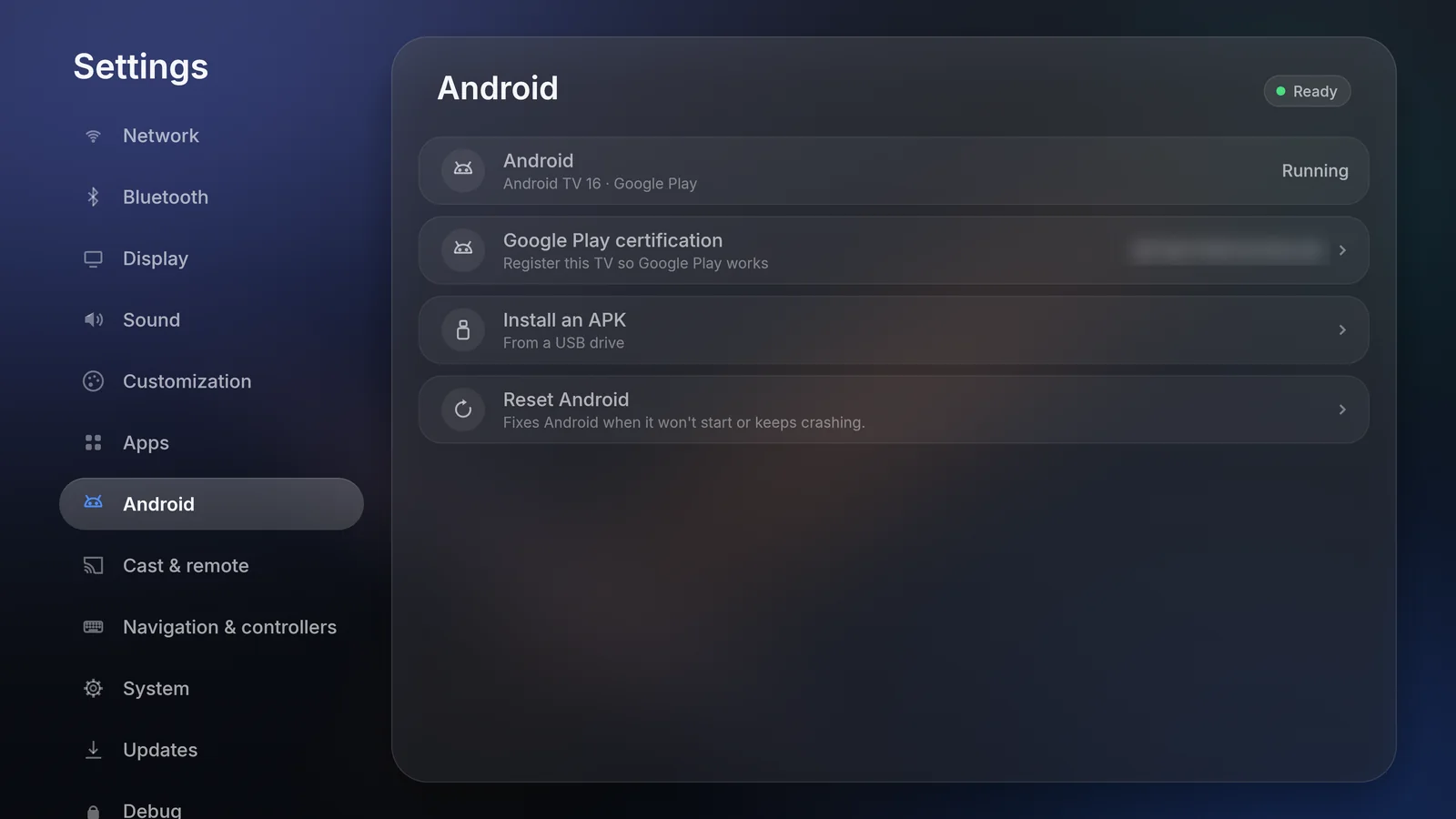
Android settings showing Android TV 16 with Google Play running, Play certification, Install an APK and Reset Android

Store

All of Flathub, readable from across the room.

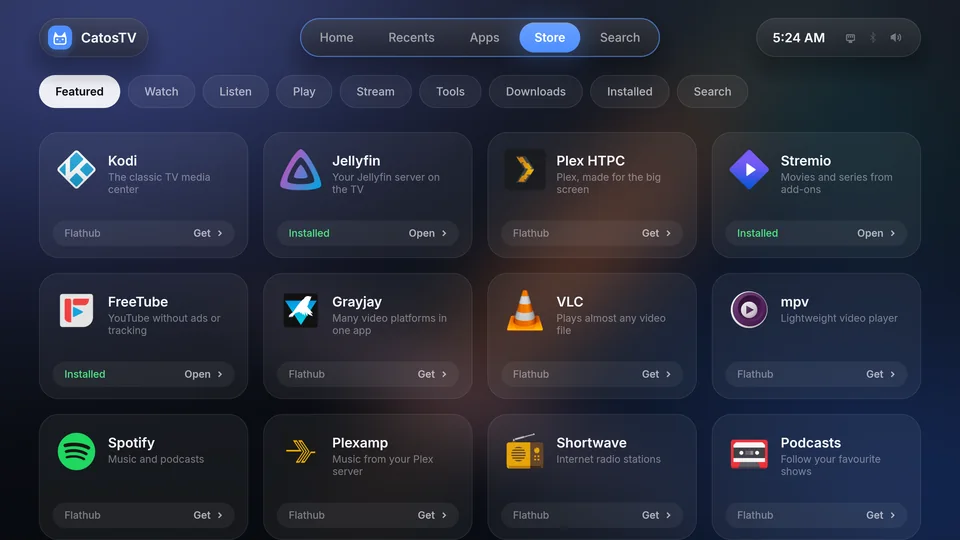
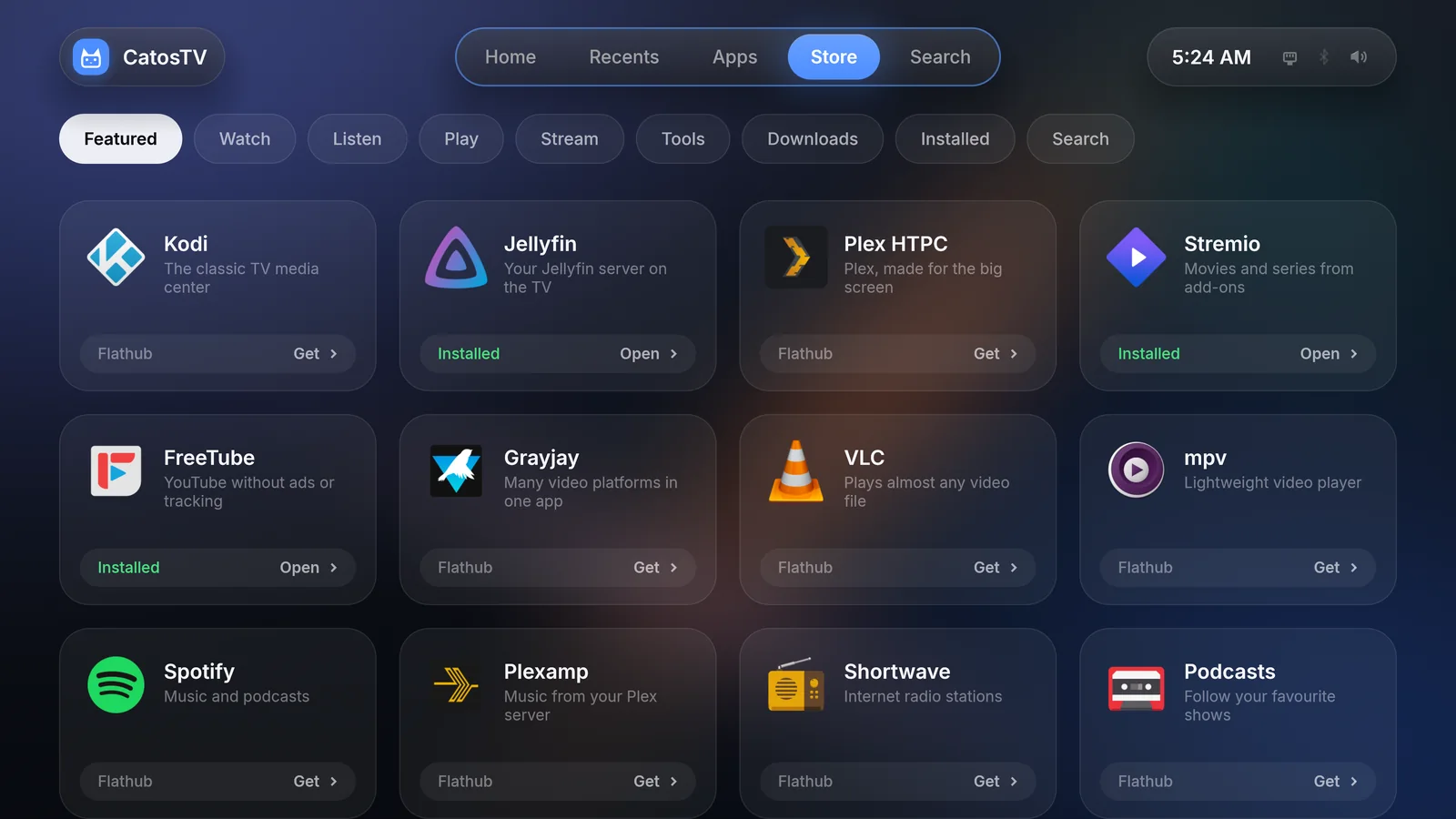
Kodi, Plex HTPC, Stremio, VLC, Spotify, Moonlight, Steam in Big Picture, emulators. The Store sorts Flathub into Watch, Listen, Play and Stream, and installs and updates apps with the remote.

Store showing Kodi, Jellyfin, Plex HTPC, Stremio, FreeTube, Grayjay, VLC, mpv, Spotify, Plexamp, Shortwave and Podcasts

Catfyn, for Jellyfin

Our own Jellyfin client built for TV screens.

Cast and phone remote

Play to the TV from DLNA apps, link the YouTube app, or open the phone remote page on the same Wi‑Fi and type with a PIN. KDE Connect works too.

Install once, update forever

CatosTV is a rolling release based on Arch Linux. Updates arrive in Settings with notes on what changed, and never start in the middle of a film.

Private by default

No sign-in and no telemetry.

Linux TV UI built from scratch in Rust.

What you need

An old PC is enough.

  • Computer64-bit x86 PC that boots in UEFI mode. Mini PCs are ideal.
  • GraphicsIntel, AMD or NVIDIA (GTX 16 / RTX 20 or newer)
  • Disk20 GB or more that can be erased. 64 GB if you want lots of Android apps or games.
  • InternetEthernet or Wi‑Fi during the install
  • USB stick8 GB or more
  • TV remoteOptional USB‑CEC adapter for HDMI‑CEC

Installing

Three steps.

  1. Write the ISO to a USB stick

    balenaEtcher, Ventoy or dd all work.

  2. Boot from the stick

    Choose Install CatosTV. If the screen stays dark, pick the safe graphics entry instead.

  3. Follow the installer

    Pick a network, a disk and your time zone. It asks before it erases anything.

Make TV watching simple.

Based on Arch Linux, with rolling releases.

Download CatosTV